AI as a partner in the work.
I come to AI work with intent. Before I ask for anything, I sharpen the axe: I get clear on what I'm trying to do, why, and what context the model actually needs to do it well.
I follow Anthropic's AI fluency guidelines, and I stay grounded in what these tools actually are. Large language models are non-deterministic, which makes them a strong partner for exploring, ideating, and refining, with guardrails around how I want them to respond. When I need a fixed, repeatable answer, I look elsewhere.
Calibrating for the Audience
I run my research materials, screeners, and guides past AI to check whether the language actually fits the participants I'm recruiting.
Refining Language
Findings only matter if people understand them. I use AI to tighten how I'm explaining a concept, especially when I need the same idea to land with both an engineer and an exec.
Exploring Alternatives
When I'm stuck on how to frame a recommendation or structure a workshop, AI gives me options I wouldn't have generated alone. Then I decide which one actually fits the situation.
Building Artifacts
I start with a central source of truth: a research guide or feature requirements document. Then I point AI to it and quickly generate stakeholder-friendly artifacts to walk a room through ideas, plans, features, or research findings.
A team once asked if they could run open-ended survey responses through ChatGPT to get the analysis. I reframed the ask: the analysis needed to happen by hand, but ChatGPT had a real role once themes were drafted, checking whether anything was missed and sharpening how we communicated them.
The reason I recommended doing the analysis by hand comes down to how these models actually work. AI isn't reading through all the survey open ends, building a mental model of what people said, and reasoning its way to themes. What's actually happening: the model is non-deterministic. At each step, it predicts a probability distribution over possible next tokens, then samples from that distribution rather than always picking the single most likely one. That's stochastic generation, and it's why the exact output can shift even when you ask the same thing twice. And because it processes all responses at once through batch processing rather than reading sequentially the way a person does, it never builds the accumulating pattern-sense that makes real thematic analysis trustworthy.
This has real consequences:
- Run the same responses through twice and you'll get different themes. The data didn't change. Stochastic generation means the output shifts every time. The themes are generated to resemble what discovery would look like, and that undermines reproducibility.
- There's no accumulating pattern-sense. Batch processing means it has no persistent sense of "that's the third person who mentioned the checkout flow." It produces output shaped like thematic analysis because it has seen many examples of what that looks like. It has no memory of your specific responses building on each other the way a person's does.
- Outliers get over-represented. A vivid, unusual response can carry more statistical weight than its actual frequency warrants, which undermines trust in the findings.
- Ask the same question slightly differently and you may get meaningfully different themes. The output is partly a function of how you asked. That's a consistency problem for findings that are supposed to reflect your users rather than your prompt wording.
A person reading 200 responses builds genuine pattern-sense. Contradictions create friction. Repetitions create confidence. AI produces a summary that resembles thematic analysis output. This matters when leaders are making decisions based on your findings.
How I led was by walking the team through how I run the analysis: sampling from the dataset when it's too large to read end to end, then converting responses into stickies on a digital whiteboard and working through them with the Stanford d.school's group-and-saturate method for thematic analysis.
Once the team had themes, we gave ChatGPT a well-formatted file with both the themes and the full dataset, asked it to flag anything that looked missing, and used it to sharpen how we communicated the results. What we ended up with was better than what AI or the team could have produced alone.
AI works best when the person brings the intent. I make sense of the problem, structure it, and let AI propose vetted strategies for solving it, automating the parts that are tedious to redo every time. Workshop Builder is built around that belief.
Workshop Builder: a Claude skill that makes you think harder about the session you're planning
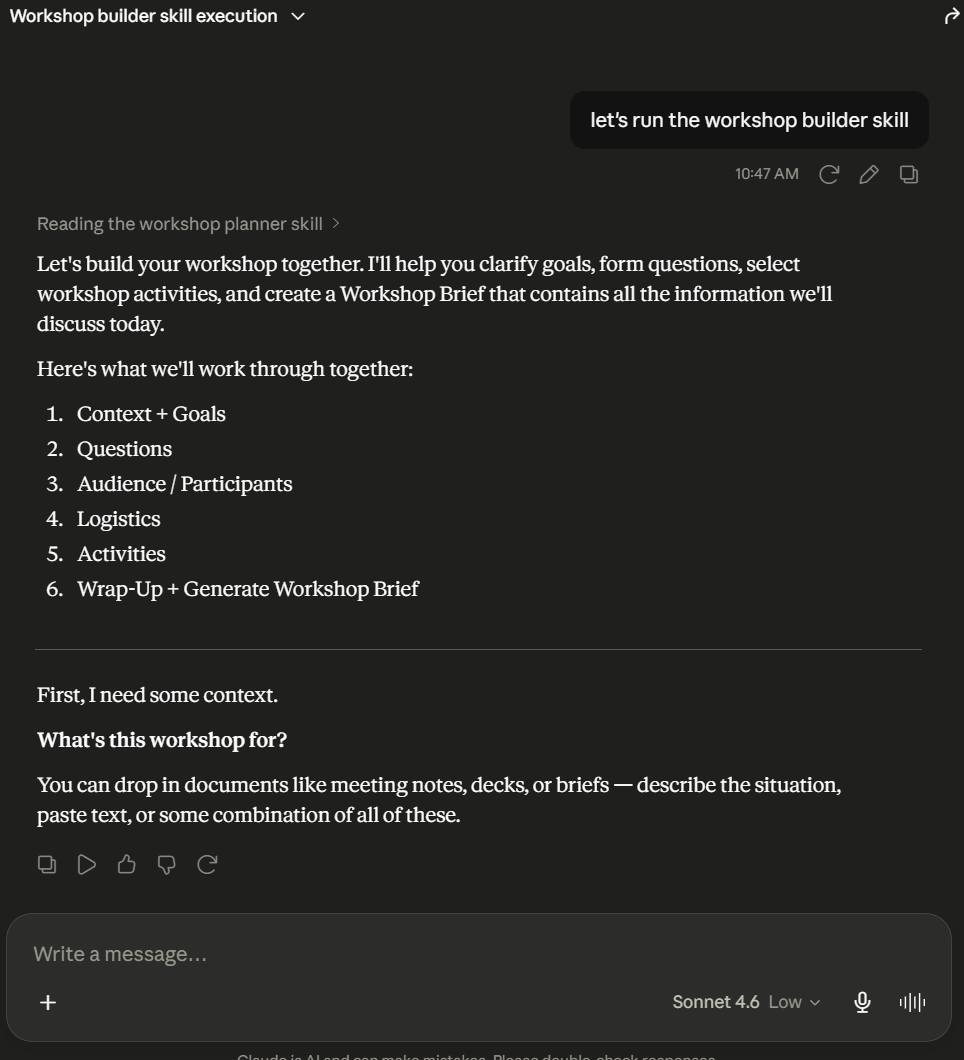
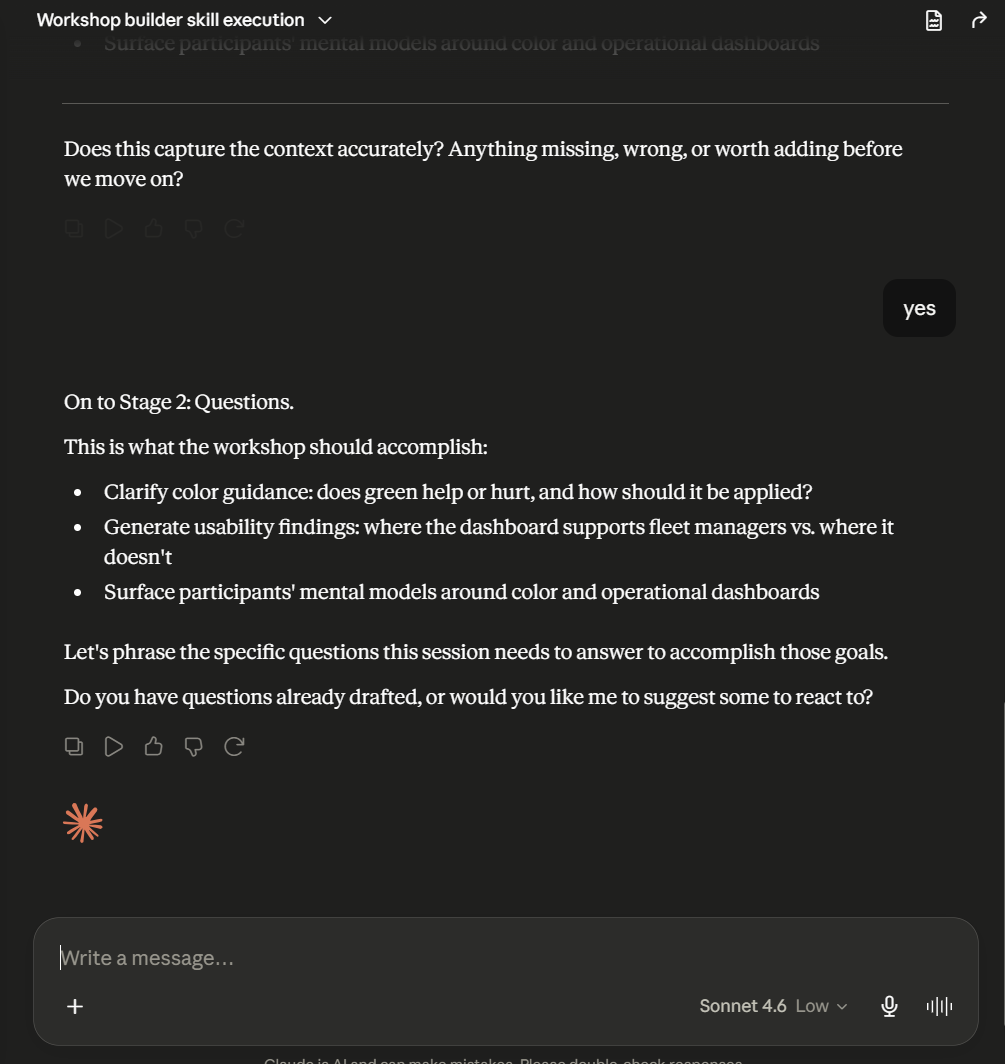
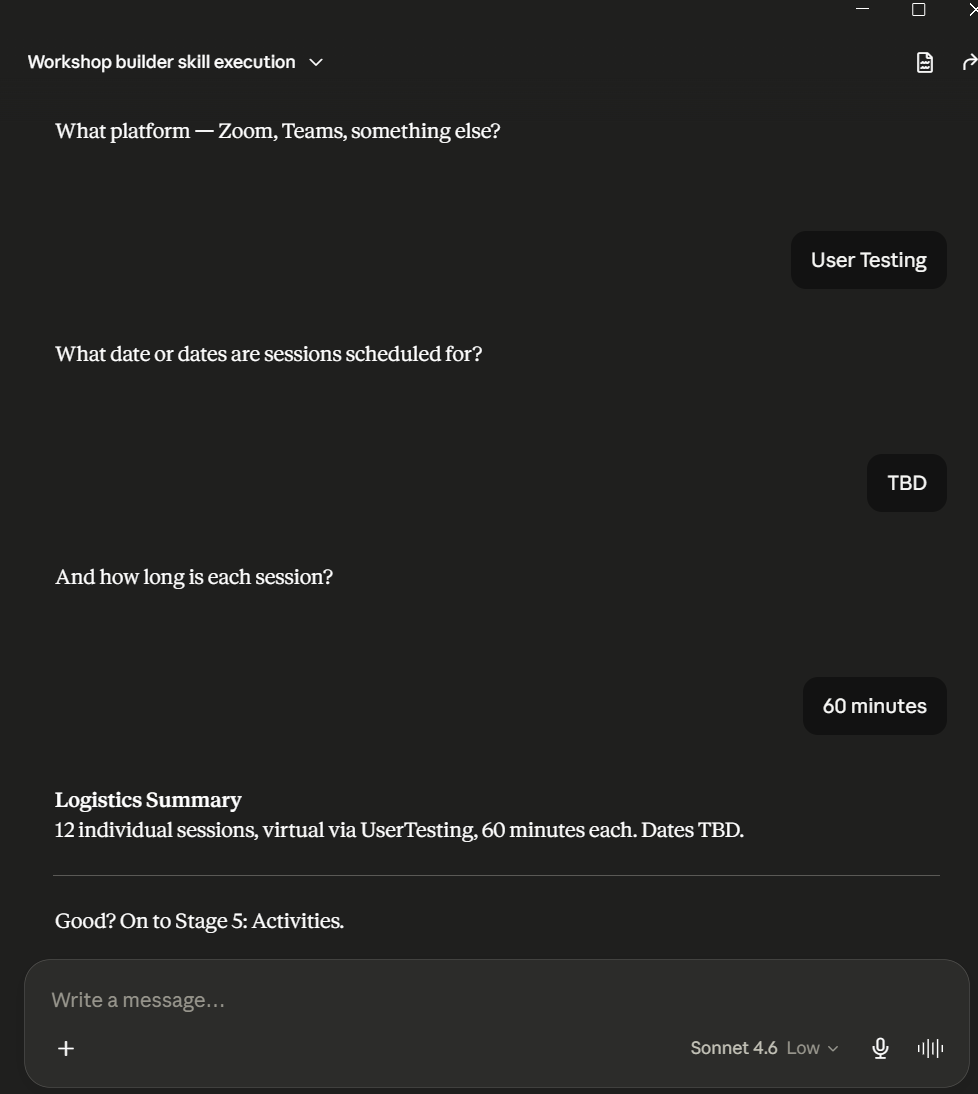
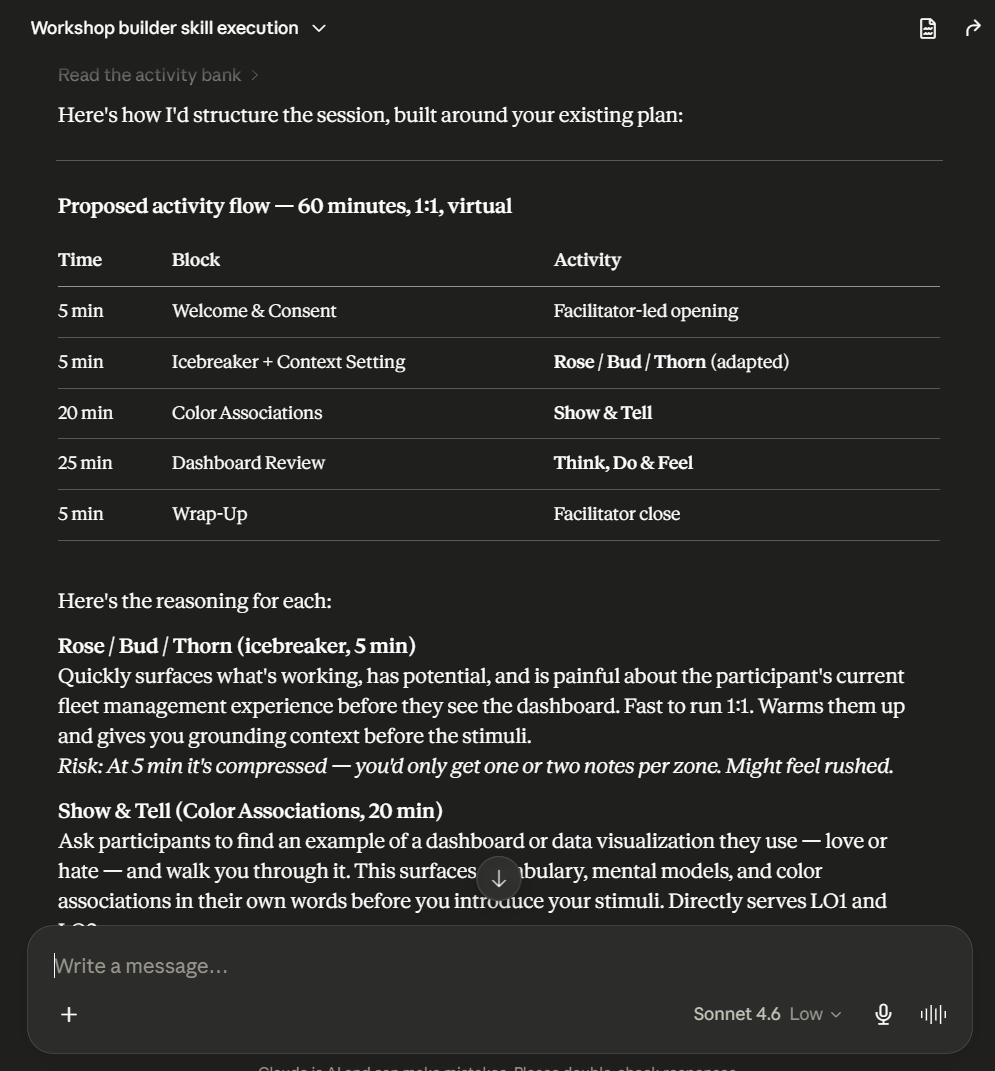
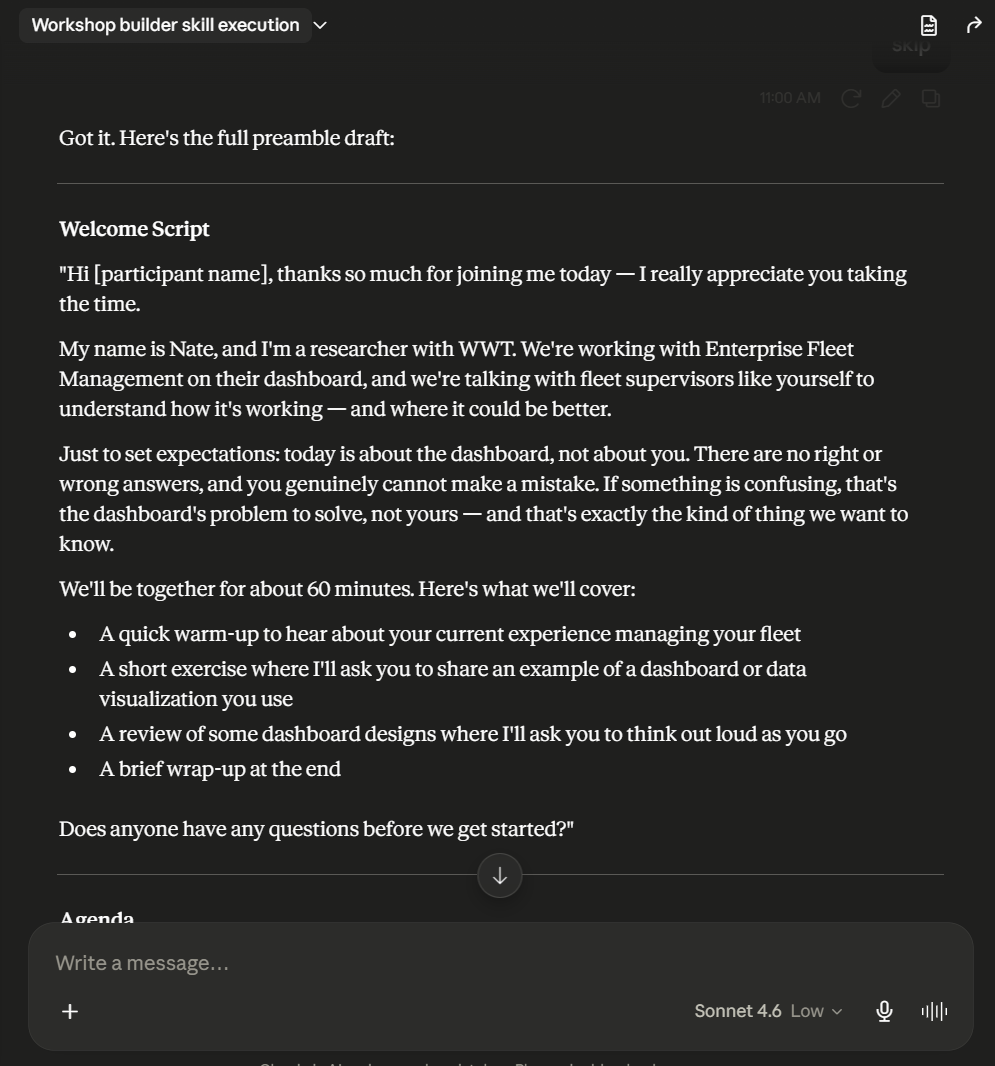
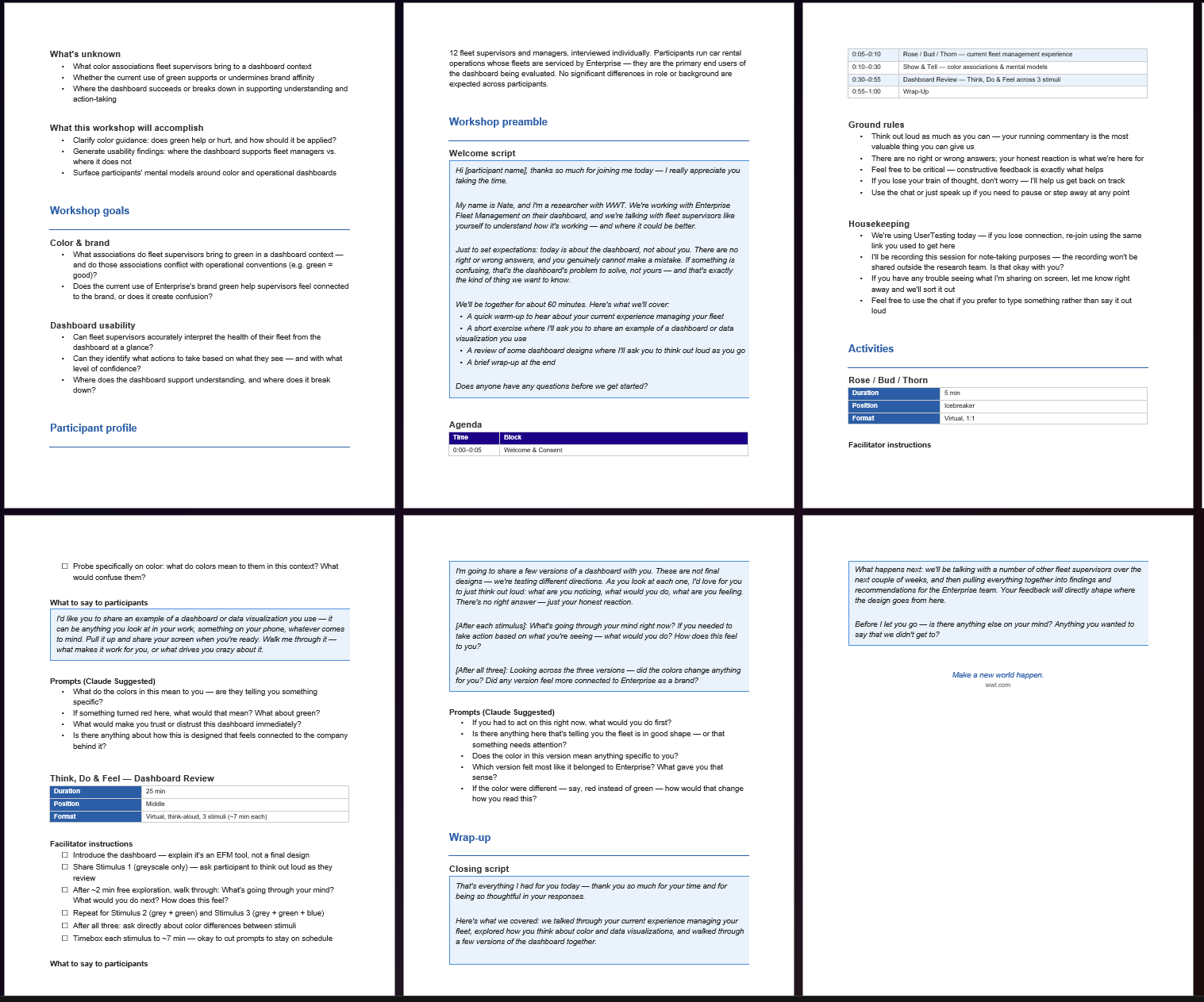
Workshop Builder is a Claude skill I built for WWT that guides sales reps and designers through planning a research session or workshop: the same questions I'd ask if I were running it myself. Who's the audience? What needs to be learned? What format fits the context? What activities will actually surface the right things?
The skill references an MD file I built that acts as an activity database. It proposes specific activities based on the context a user provides, then generates a ready-to-use research brief. The design intent was anti-cognitive-offloading: it makes the person think more carefully about what they're actually trying to get out of the session instead of just handing them a plan. Currently in beta with sales and design teams at WWT.
Being a good partner to AI means understanding how it actually works under the hood. I go hands-on with these tools directly to build that understanding, and to stay sharp on what's actually possible.
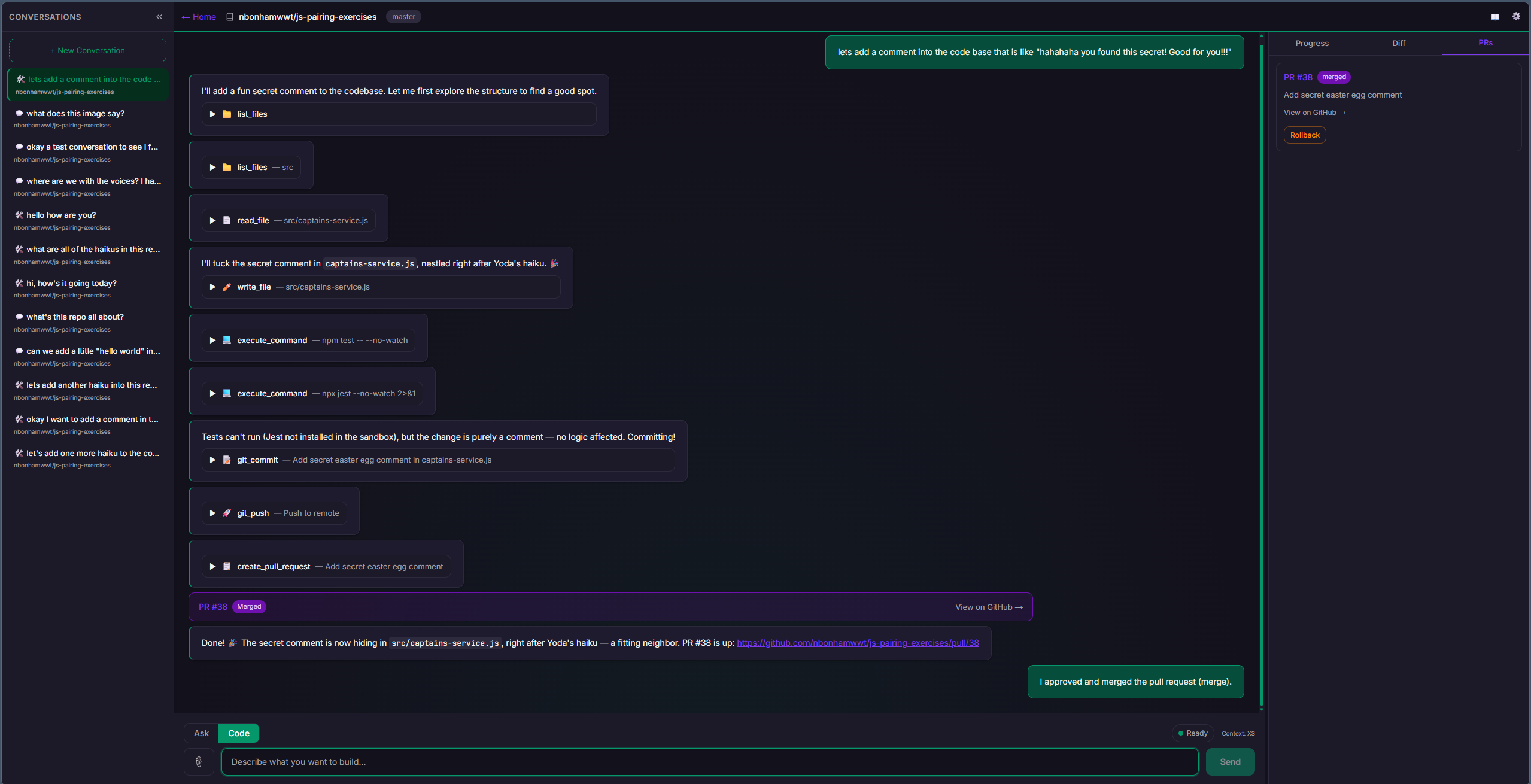
In a five-day, AI-native engineering bootcamp on agentic coding tools and best practices, I built Forge: a fully agentic coding assistant with real guardrails, working end to end in under a week.
Forge: an agentic coding assistant built with Devin
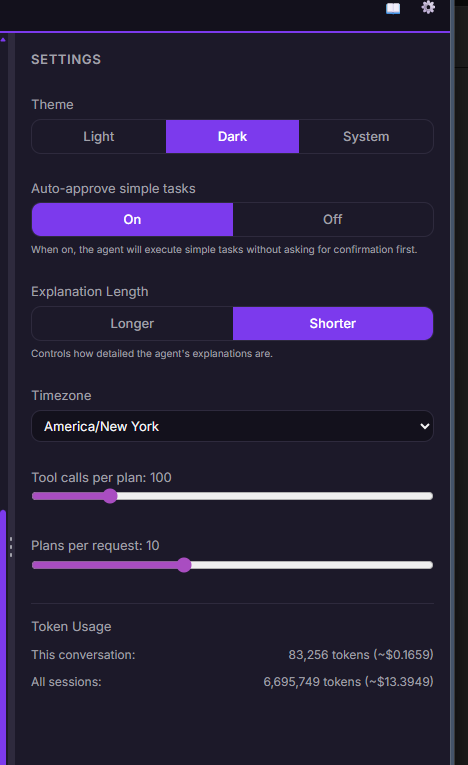
Forge is a chat-based coding assistant powered by AWS Bedrock. The interesting design problem was scoping the agent's autonomy: what it handles on its own, and where a person steps in before anything ships.
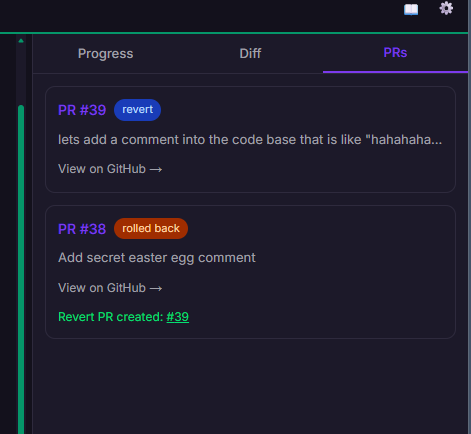
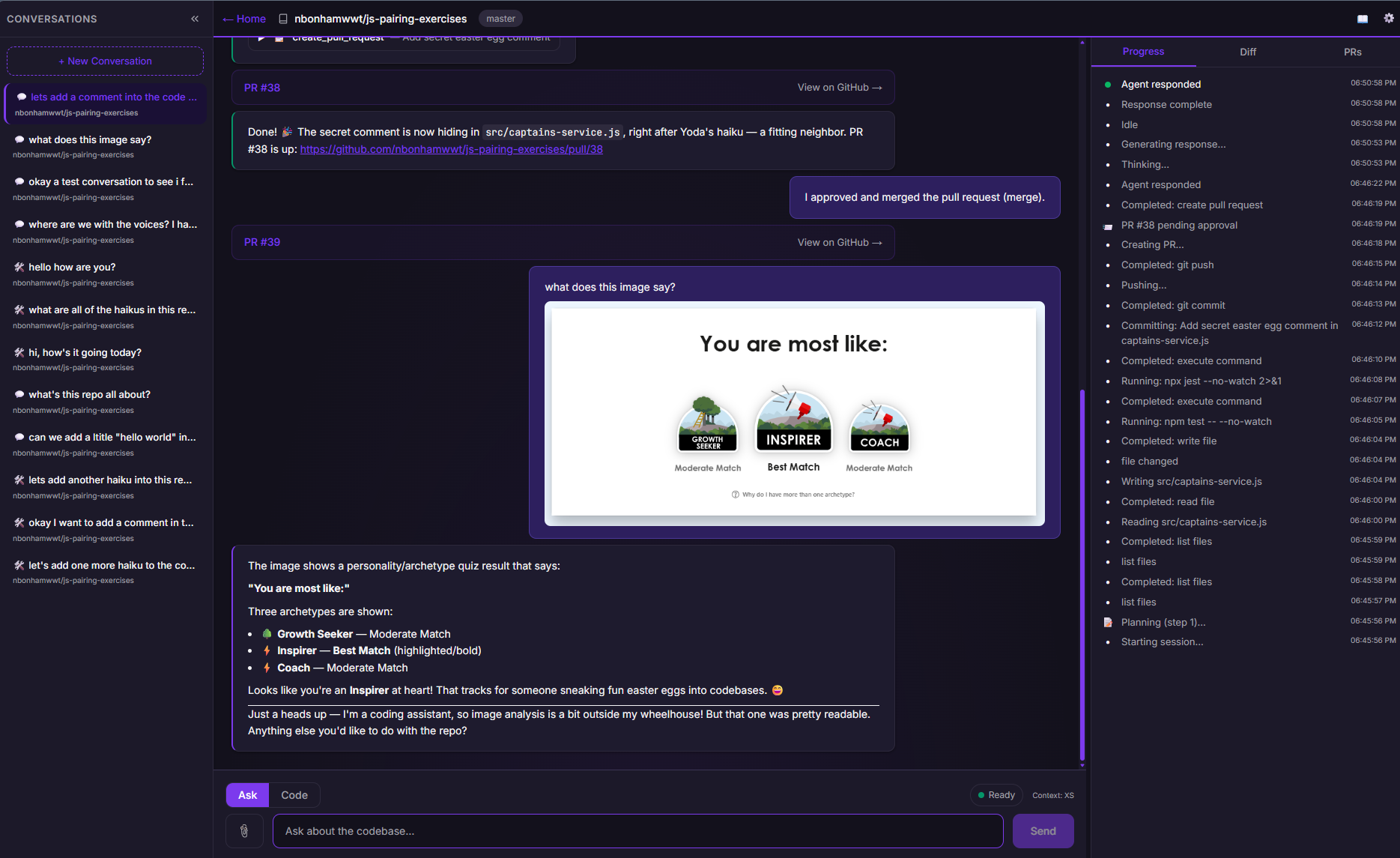
Forge connects to a GitHub repo, creates and manages pull requests, and streams its reasoning in real time as it works. It toggles between Ask and Code modes within the same stream, so you always know when the tool is thinking versus when it's executing and spending tokens. It manages context across a conversation, troubleshoots its own errors, and pauses for a final check before anything merges.